
Skip to content
Logo: StatementsConverter StatementsConverter

Bank Statement Converter

Turn PDF and scanned bank statements into Excel, CSV or QuickBooks files. Every balance is checked before you export.

Output format

Use a sample statement

No card needed for the sample. Demo files are deleted right after conversion.

Converting your statement

  1. Reading pages
  2. Finding the transaction table
  3. Extracting rows
  4. Checking balances

Your statement is converted

Statement period, account and every transaction in one table, checked against the balances printed on the statement.

Converted from your file, first 3 pages.

This is our built-in sample statement, not your file. Drop your own statement to convert it.

Balance check

Opening balance
Credits
Debits
Closing balance

The table adds up to the closing balance printed on the statement.

The table does not add up to the closing balance. Rows to review are highlighted.

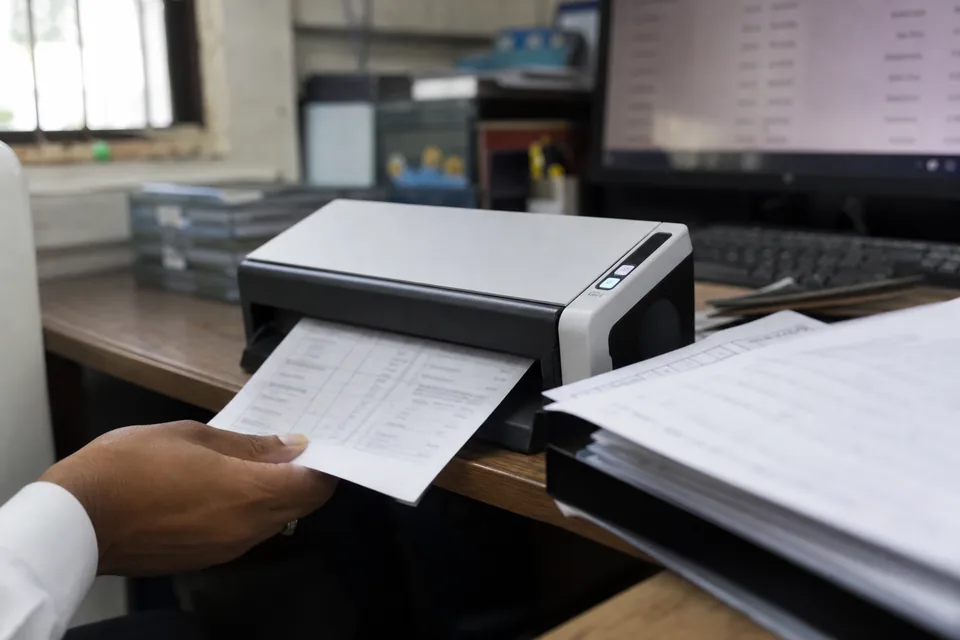
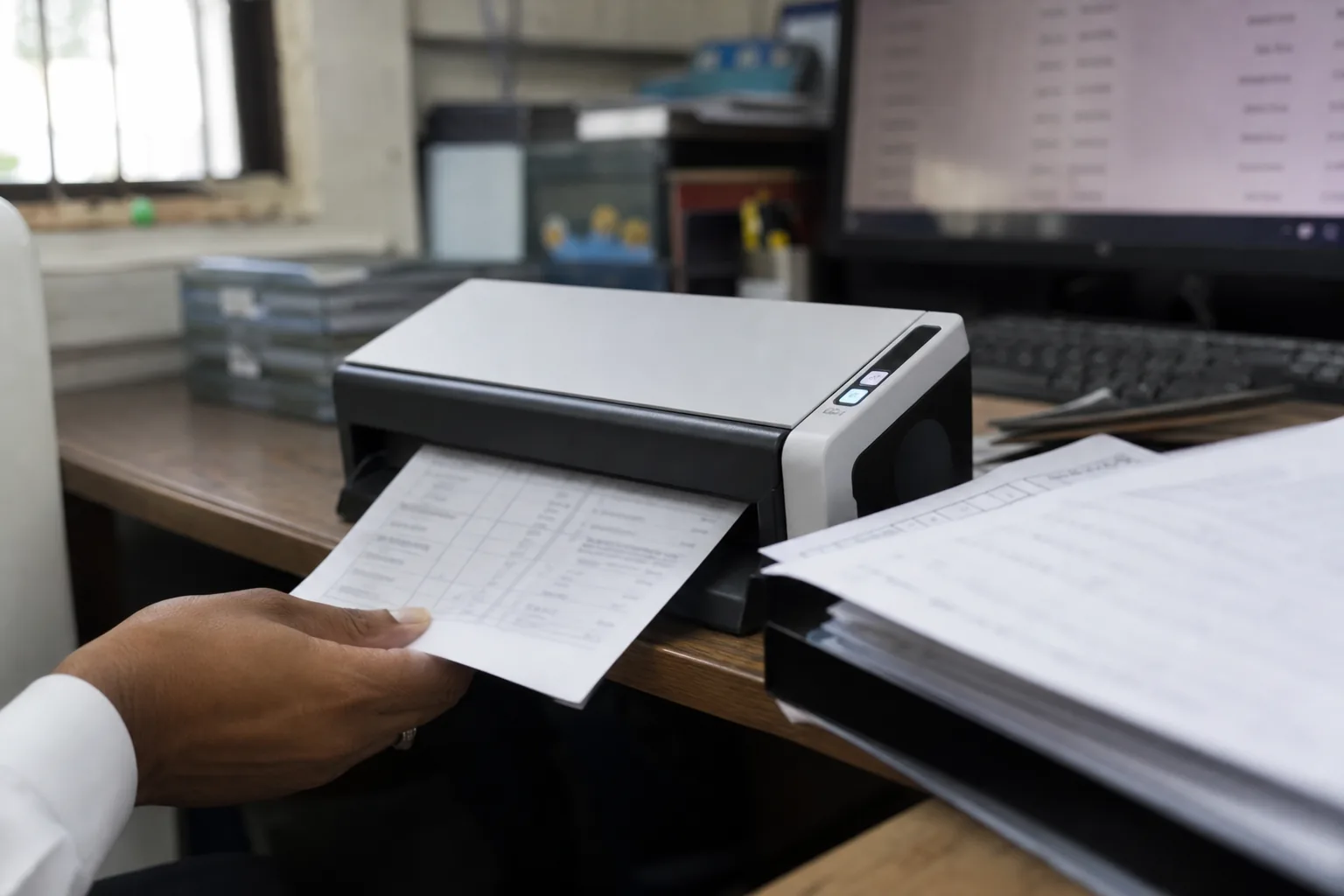
A paper bank statement being fed into a desktop scanner in a small accounting office

From a statement page to a table that ties out

On the left, a statement page exactly as the bank printed it. On the right, the same transactions as rows you can edit and export. The balance check row shows that opening balance, credits and debits land on the printed closing balance.

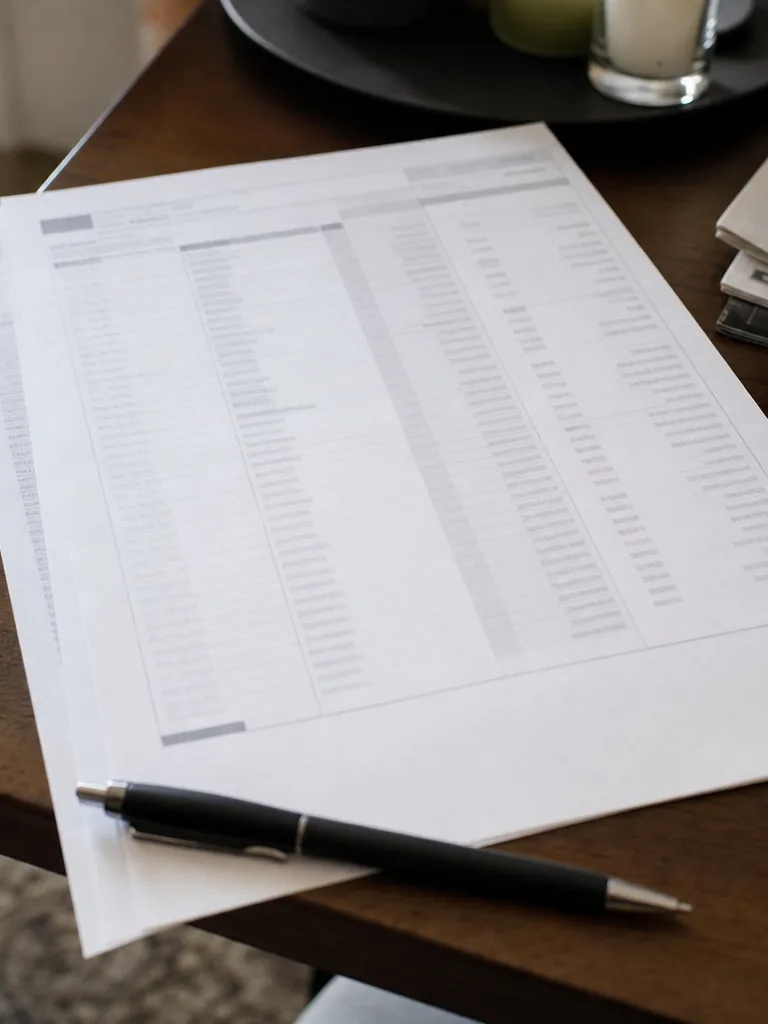
A single printed bank statement page lying on a desk, photographed from above at an angle
Statement page as received from the bank
Converted table with the balance check matched
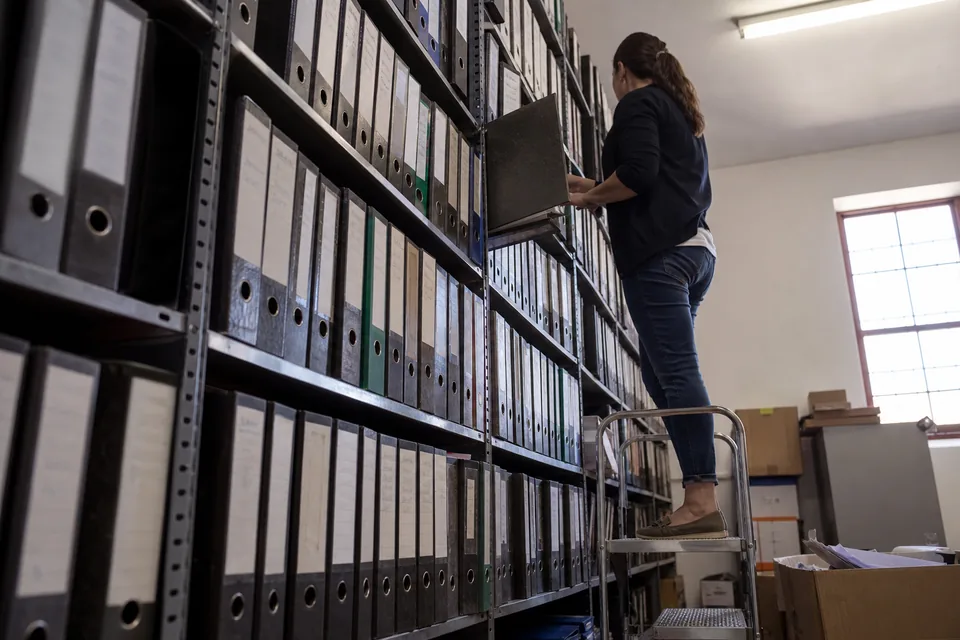
Client folders with statements on a rolling file cart in a bookkeeping office, one folder being pulled out

Every statement checked against its own printed balances

Opening balance plus credits minus debits must equal the closing balance. When it does not, the converter shows the page and row range to look at. You fix it before import, not at reconciliation.


Any US bank, downloaded PDF, scan or phone photo

Downloaded PDFs, scanned paper statements and phone photos all go through the same reader. Multi-line descriptions are merged and check numbers land in their own column.

Excel, QuickBooks, Quicken and Xero from one conversion

Export XLSX, CSV, QBO for QuickBooks, QIF for Quicken, OFX or a Xero precoded CSV from the same conversion. Choose one file per statement or one merged file per account.

Twelve months in one drop, sorted by client

Drop twelve months for one client or a whole month for a client list of forty. Files are grouped by account and sorted by statement period automatically.

Fix a row in the browser and watch the check update

Fix a description, split or merge a row, change a date or flip a sign in the browser. The balance check recalculates as you edit, and undo is always one click away.

Categories that learn each client's chart of accounts

Suggested categories map to each client's chart of accounts and learn from your corrections. The next statement from the same client needs fewer touches.

How StatementsConverter compares with the usual ways to get statement data

Four ways a practice gets transactions out of a bank statement, side by side.

Scans and phone photos

Retyping by hand
Yes, slowly
Generic PDF to Excel tools
Rarely readable
Bank feeds
Not possible
StatementsConverter
Yes, same reader as PDFs

Check against the printed balances

Retyping by hand
Manual tick and tie
Generic PDF to Excel tools
Not included
Bank feeds
Not included
StatementsConverter
On every statement

Past periods and closed accounts

Retyping by hand
Yes
Generic PDF to Excel tools
Yes
Bank feeds
Usually recent months only
StatementsConverter
Any period you have a statement for

Multi-line descriptions and check numbers

Retyping by hand
Typed by staff
Generic PDF to Excel tools
Split across cells
Bank feeds
Depends on the bank
StatementsConverter
Merged rows, checks in their own column

QBO, QIF, OFX and Xero files

Retyping by hand
Not possible
Generic PDF to Excel tools
Not possible
Bank feeds
Inside the ledger only
StatementsConverter
From one conversion

Many clients at once

Retyping by hand
Staff hours
Generic PDF to Excel tools
One file at a time
Bank feeds
One connection per account
StatementsConverter
Batches of up to 200 files

Staff time per statement

Retyping by hand
10 to 30 minutes
Generic PDF to Excel tools
Cleanup after every file
Bank feeds
Setup per account
StatementsConverter
Review of flagged rows only

Three steps from upload to import

  1. 1. Upload

    Drop one statement or a batch of PDFs, scans or photos. The converter reads every page and finds the transaction table on its own.

  2. 2. Review the check

    Each statement shows Matched or Mismatch against its printed balances. Open a flagged row range, correct it in the table and watch the check turn green.

  3. 3. Export

    Download Excel, CSV, QBO, QIF, OFX or Xero files and import them into the ledger you already use.

See the full walkthrough

Printed statement pages with a highlighter marking rows to review on a loan processor's desk

One upload, every format your ledger reads

Hands filing printed statement pages into a client binder behind tabbed dividers on an accounting office desk

Stop paying accountant rates for data entry

Retyping statements is the most expensive data entry in a practice. The people doing it are billed at accountant rates.

What retyping costs your firm

Change the numbers to match your practice. The estimate updates as you type.

Staff time spent retyping a month
900 USD
Professional on yearly billing
74 USD
Difference a month
826 USD
  • Professional on yearly billing costs 74 USD a month and covers 1,500 pages.
  • Review time drops further because the balance check tells staff which statements need a second look and which do not.

This is an estimate from the numbers you enter, not a customer result.

Shelf of lever arch binders labelled by month in an accounting office during a year-end catch-up

Seats and client workspaces for every staff member

Professional includes 3 seats and 25 client workspaces. Business includes 15 seats, unlimited client workspaces, roles and an audit log.

Security your clients expect

Files are encrypted in transit and at rest, deleted after 24 hours by default and never used for training. Read the details on bank statement data security.

Billing that fits a firm

Yearly Business can be paid by invoice, with SSO (SAML), retention controls and a 99.9 percent uptime SLA.

Statement quirks handled without manual cleanup

A phone lying on a desk showing a photo of a paper statement, next to the creased original page
  • Multi-line transaction descriptions merged into one row
  • Check numbers moved into their own column
  • Separate debit and credit columns or a single signed amount column
  • Running balance columns read and used in the balance check
  • Statement periods that cross a year end, with the correct year on every date
  • Foreign currency columns kept apart from the account currency
  • Credit card statements with payments, purchases, fees and interest
  • Scanned pages that are skewed, faded or photographed on a desk
  • Several accounts inside one combined statement, split by account
  • Summary boxes and promotional pages skipped, not turned into rows
  • Twelve months of statements merged into one file per account

Plans for every size of practice

Save 50 percent

Starter

24 USD a month

24 USD a month, billed 288 USD yearly

49 USD a month on monthly billing

  • 400 pages a month
  • 1 seat
  • XLSX and CSV exports
  • Batch upload of 20 files
  • Balance check, scans and photos

Professional

74 USD a month

74 USD a month, billed 888 USD yearly

149 USD a month on monthly billing

  • 1,500 pages a month
  • 3 seats
  • QBO, QIF, OFX and Xero exports added
  • Batch upload of 100 files
  • Categorization rules and 25 client workspaces

Business

249 USD a month

249 USD a month, billed 2,988 USD yearly

499 USD a month on monthly billing

  • 5,000 pages a month
  • 15 seats and unlimited client workspaces
  • API and webhooks
  • SSO (SAML), audit log and retention controls
  • 99.9 percent uptime SLA and invoice billing on yearly

Business Plus

499 USD a month

499 USD a month, billed 5,988 USD yearly

999 USD a month on monthly billing

  • 12,000 pages a month
  • Everything in Business
  • Batch upload of 200 files
  • Self-serve, no calls needed

Compare every plan on the full pricing page

Bank statement converter questions

Will the converter miss rows?

Every statement is checked against its own printed balances. Opening balance plus credits minus debits has to equal the closing balance, and if it does not, the result shows Mismatch and highlights the rows to review, so a dropped or doubled transaction never slips into the ledger unnoticed.

Which banks does it work with?

It reads statements from any US bank and card issuer, from large national banks to local credit unions, because it finds the transaction table on the page instead of relying on a fixed template per bank.

My clients send phone photos. Will those work?

Yes. Scanned PDFs, JPG and PNG photos of paper statements are read the same way as downloaded PDFs, including pages that are slightly skewed or faded, and the balance check tells you whether the result adds up.

Is my client data safe?

Files are encrypted in transit and at rest, deleted automatically after 24 hours by default, never used to train any model, and only people on your account can open them. Business plans can adjust retention.

Does it work with QuickBooks Desktop and QuickBooks Online?

Yes. QBO Web Connect files import into both QuickBooks Online and QuickBooks Desktop, and CSV exports also work with the QuickBooks Online bank upload screen.

How are pages counted?

One page is one statement page processed in your billing period. Usage resets with each new period, and deleting a converted file does not return pages already used.

Can I cancel anytime?

Monthly plans cancel anytime and stay active to the end of the period you paid for. Payments are final, with exceptions only for a double charge, a proven unauthorized charge or a total service failure.

Can my team share one account?

Yes. Professional includes 3 seats and Business includes 15 seats, with client workspaces so each staff member sees the right files.

Is there an API?

Business and Business Plus include a REST API with webhooks, so statements uploaded from your own portal or workflow come back as balance-checked JSON, CSV or accounting files.

Convert your next statement in under a minute

Upload one statement, see the balance check and decide for yourself.

Convert a statement or start a plan.